Live Net TV (Android TV & Google TV)

About this app
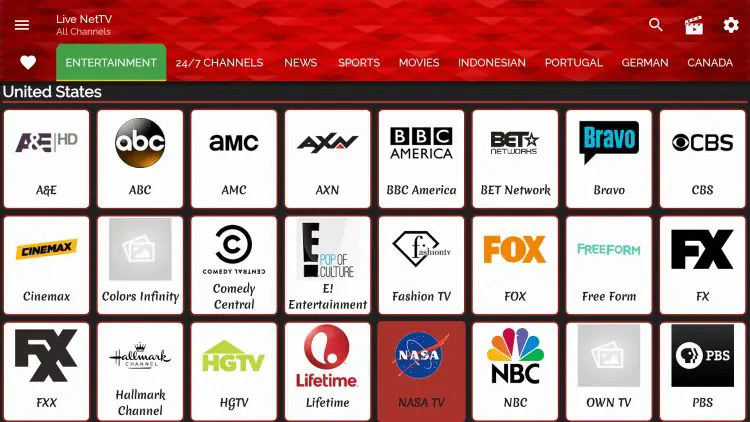
Live Net TV brings its extensive library of global live channels to the big screen with a dedicated, remote-friendly version. It offers a TV-optimized interface, seamless integration with popular external players, and stable HD streaming for a lean-back viewing experience. The app features advanced organization with favorites, categories, and PIN-based parental controls. It’s designed to be lightweight and compatible across major Android TV and Google TV devices without the need for any complex setup.
Features of Live Net TV for Android TV & Google TV
Here are the top features that make Live Net TV APK v5.0.5 a perfect streaming solution for both Android TV and Google TV devices:
Supports 800+ Live Channels across sports, movies, news, entertainment, kids, and more.
Fully Remote-Control Friendly — no need for a mouse or keyboard.
Category-Wise Channel Sorting for easy navigation.
Add Channels to Favorites for quick access.
Multiple Streaming Links per Channel to reduce buffering.
Supports External Players like MX Player, VLC, and XPlayer.
Parental Control Option to restrict adult content with a PIN.
Lightweight & Fast — works smoothly even on low-spec Android TVs.
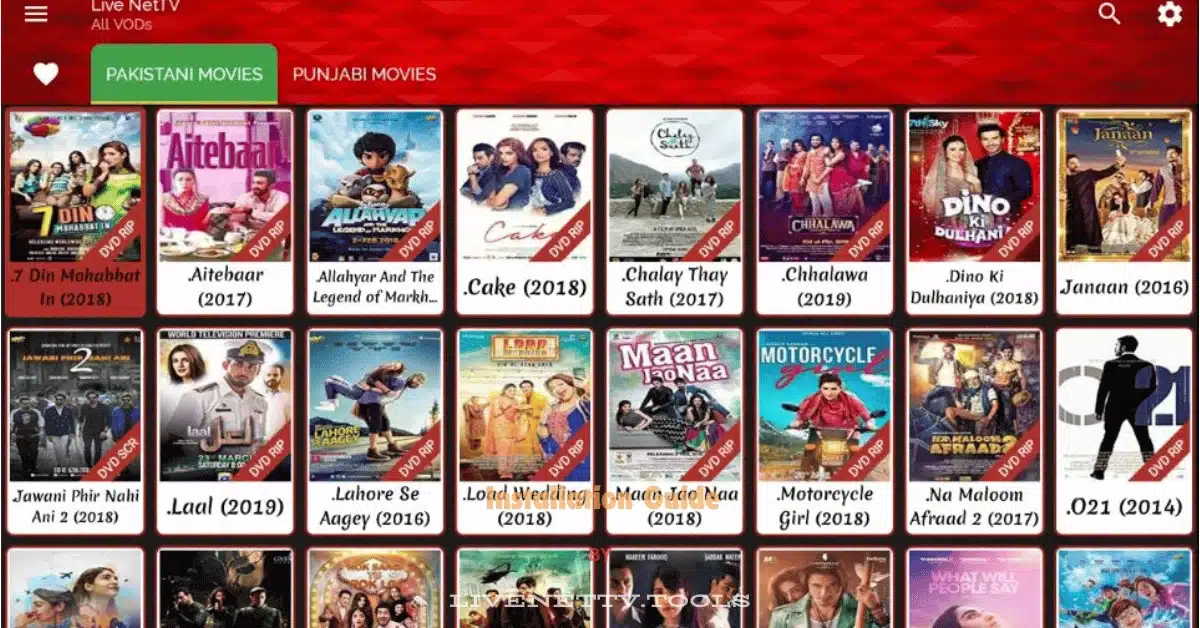
Access to Global Content without regional restrictions.
Frequent Channel & App Updates via in-app notifications.
Request a Channel Feature to ask for missing or new channels.
Simple & Clean User Interface designed specifically for large screens.
Compatible with Google TV OS on Chromecast with Google TV, Hisense, Sony, TCL, and more.
No Root or Special Setup Required — just install and start watching.
On your Android TV, open a browser (like Puffin) or use Send Files to TV to transfer the APK from your phone or PC. You can download it from LiveNetTV.Tools.
Go to Settings > Device Preferences > Security & Restrictions, and enable “Unknown Sources” for the file manager or browser you used.
Use a TV-compatible file manager (like X-plore File Manager) to locate the Live Net TV APK file in the “Downloads” or “Received Files” folder.
Click the APK file and select “Install”. Accept any permissions requested by the system to complete installation.
Go to your TV’s home screen and find Live Net TV in the Apps section. Open it to start exploring live channels.
Stream your favorite TV channels, sports events, movies, and more — all for free and in high quality.
🔗 Related Pages
App Info
| App Name | Live Net TV (Android TV & Google TV) |
| Package Name | com.playnet.androidtv.pro |
| Category | Live TV |
| Version | 5.0.5 |
| Minimum OS | Android 5+ |
| Size | 26.89 MB |
| Downloads | 150K+ |
| Updated on | February 19, 2026 |
| Ratings |
4.1 ★ / 5
(25000 reviews) |
Detailed Changelog for Live Net TV (Android TV & Google TV)
Legal Copyright Disclaimer: As has been noted, streaming copyrighted content is unlawful and could get you into legal trouble. On account of this, we do not condone the streaming of copyrighted content. Therefore, check your local laws for streaming content online before doing so. Consequently, the information on this website is for general information and educational purposes only.